Lock your browsing session when you step away.
Paneward covers your open web pages with an opaque privacy curtain and removes it when you unlock with your password or PIN. No account. No tracking.
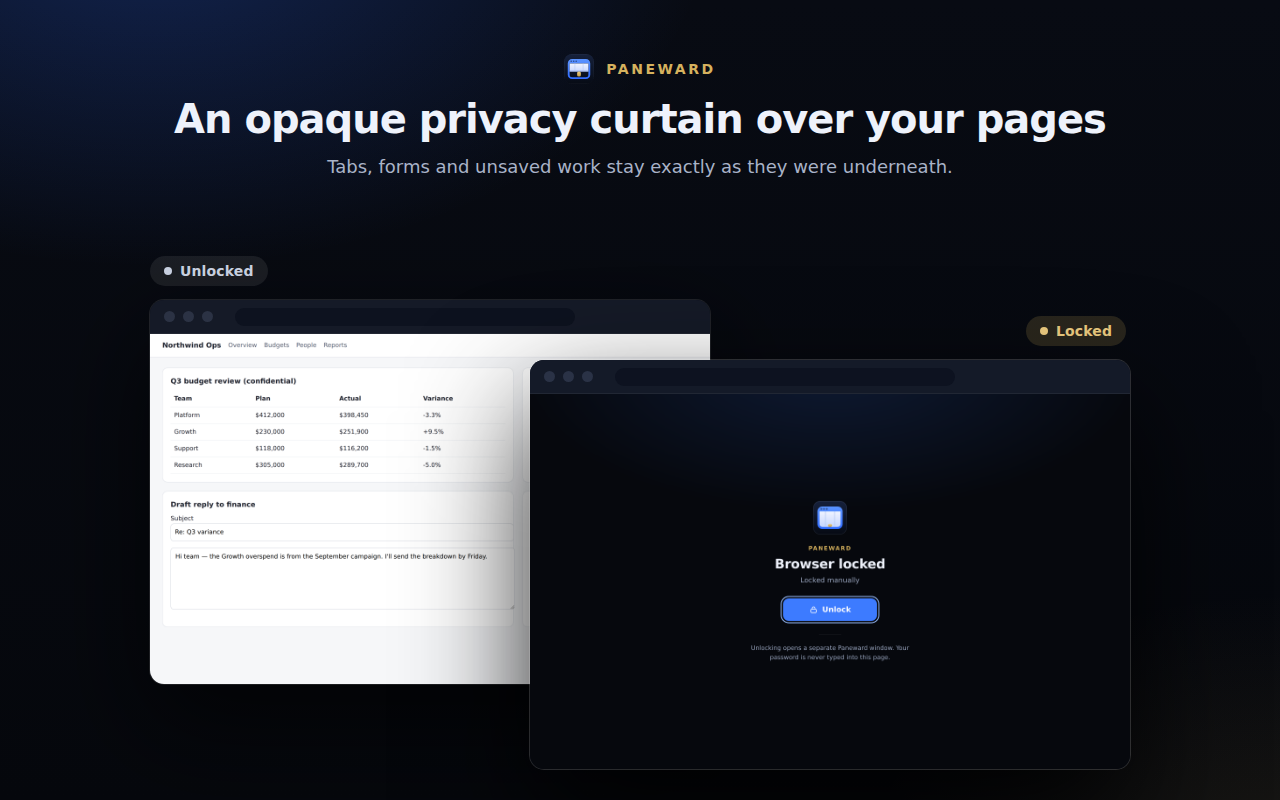
Locks when you step away
Every feature has one job: keep your open pages private until you come back.
Lock now
One click on the toolbar icon covers every normal web page.
Keyboard shortcut
Ctrl+Shift+L (Command+Shift+L on Mac). Change it any time in Chrome.
Auto-lock
After 1–60 minutes without keyboard or mouse input. Default: 5 minutes.
When your computer locks
Locks as soon as your operating system reports a locked screen (where supported).
On browser start
Restored tabs open behind the curtain until you unlock.
Trusted unlock window
Your password or PIN is typed only into Paneward’s own window, never into a web page.
Recovery key
A one-time key lets you reset a forgotten password. It is replaced every time you use it.
Wrong-attempt wait
30 seconds after 5 wrong attempts, growing to 15 minutes. Never a permanent lockout.
Your pages stay exactly as they were
The curtain sits on top of the page. Nothing is closed, reloaded or cleared, and unsaved drafts are still there when you unlock. While locked, clicks and key presses don't reach the page.
- Opaque, not a blur
- New tabs open already covered
- Unlock from the curtain or the toolbar
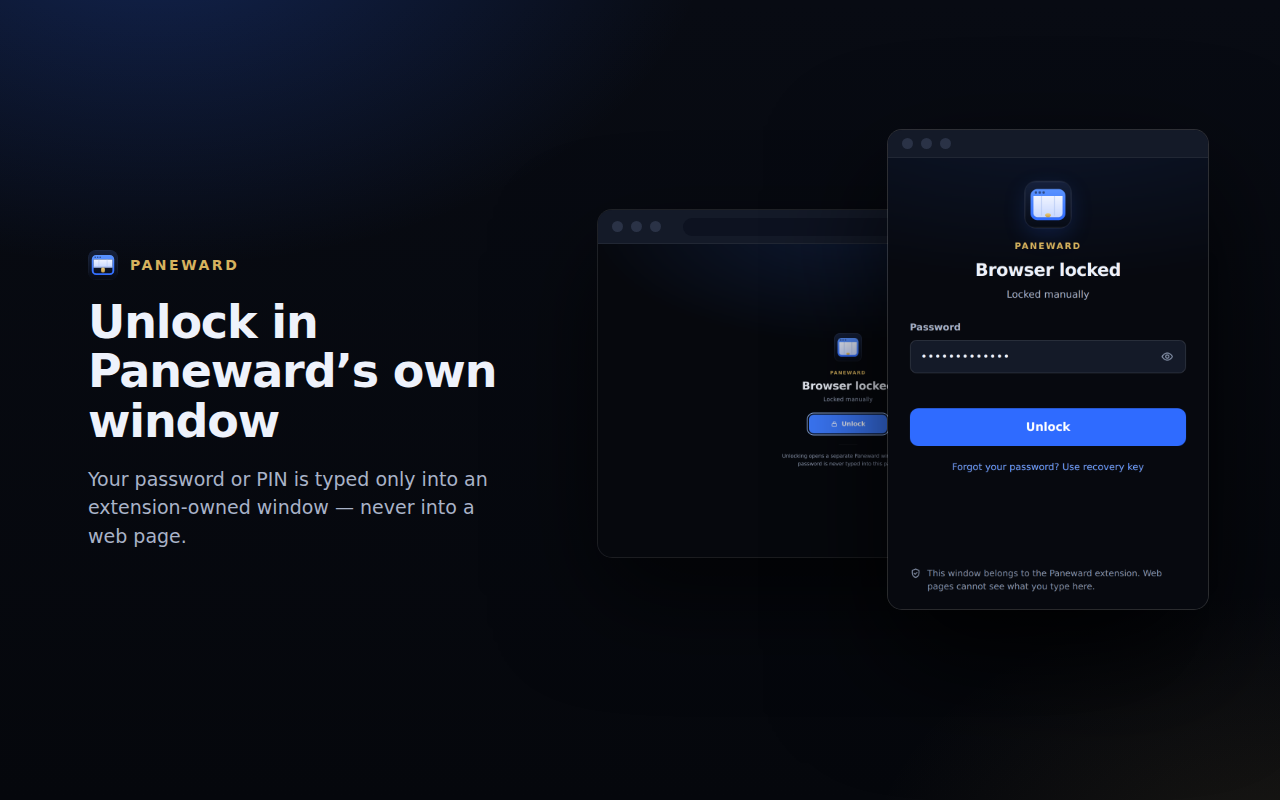
Private by design
Stays on your device
Your password, PIN and recovery key are stored only as salted PBKDF2 hashes in your Chrome profile.
Doesn't read your pages
The curtain script never reads page content, form data, URLs, titles or history.
No accounts, no analytics
No tracking of any kind, and this version makes no network requests.
What Paneward can't do
Paneward is designed to prevent casual access to your normal web browsing session when you step away. It is not a replacement for your operating system's user account or screen lock.
- Paneward covers normal web pages (http:// and https://). Chrome does not allow extensions to run on its own pages, so the following are NOT covered: chrome:// pages (Settings, History, Downloads, Extensions, Bookmarks manager), the New Tab page, the Chrome Web Store, other extensions’ pages, view-source: pages and Chrome’s built-in PDF viewer. The toolbar popup tells you when the current page cannot be covered.
- Someone who can use your computer can open those Chrome pages, open DevTools, or disable or remove Paneward at chrome://extensions. Chrome gives the person at the keyboard control over their extensions, and Paneward does not try to prevent this.
- Tab titles, site icons, the address bar and the bookmarks bar belong to Chrome itself and remain visible while locked.
- Local files (file://) are not covered; Paneward does not request file access.
- Tabs that were discarded by Chrome to save memory are covered as soon as they reload.